Errands and accounts
Shops, compares, drafts and sendsShops, compares prices, drafts your cancellations and disputes, and handles your inbox, in its own browser signed in as you.
repryntt finds how the company takes a cancellation, writes the request with your account details, and sends it the moment you tap yes. Every step is kept for you.
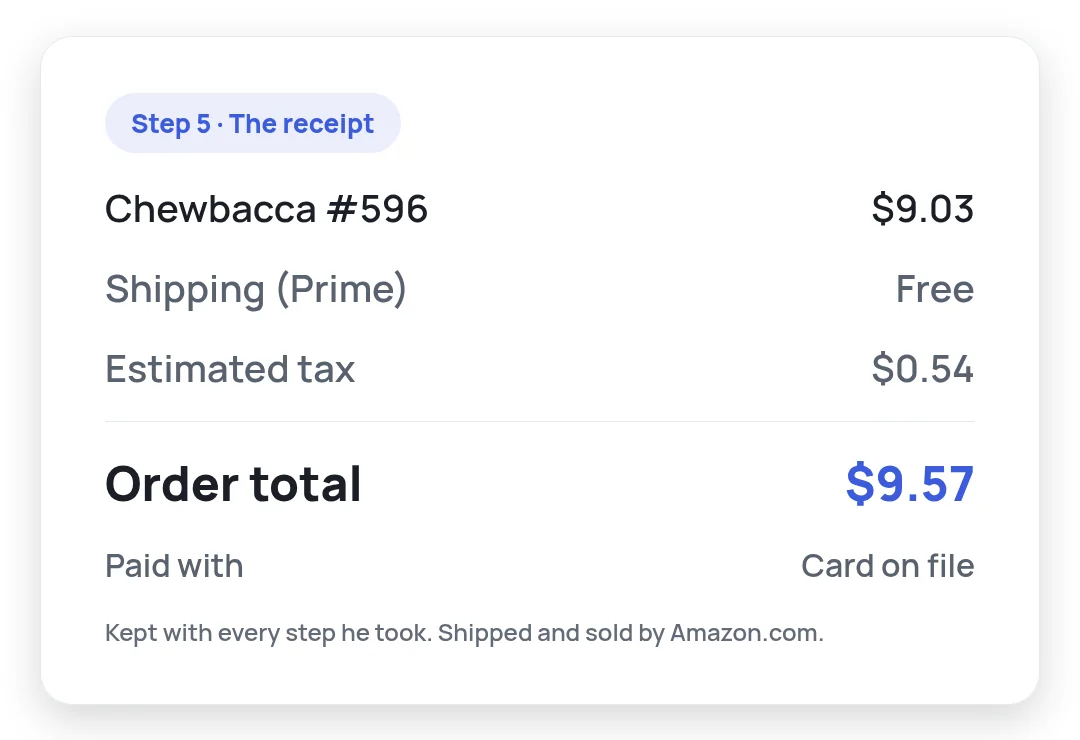
20 hours of work included every month · Cancel anytimeWatch Andrew, a repryntt AI, shop on Amazon from start to finish: he searches, picks, checks out after a one-tap yes, and keeps the receipt. A real 3 minute 47 second errand, shown in 30 seconds.
“Cancel my gym membership.” Type it or say it, on your computer or your phone.
It reads the company's help pages and their emails in your inbox to find how they take a cancellation: a settings page, a form or an email.
One tap sends the request. The request, the reply and every step are saved where you can find them any time.
A personal AI that remembers what matters to you and gets real work done on its own: online, on your computer, in your home, and on robots. It runs on your own computer or in our cloud.
Shops, compares, drafts and sendsShops, compares prices, drafts your cancellations and disputes, and handles your inbox, in its own browser signed in as you.
Files, folders and your appsWorks with your files and folders, and in beta uses the apps you allow on screen, the way you do.
Your TV, from a sentenceRuns your TV from a sentence: opens your apps, switches inputs and turns it on, asking once before each new kind of action.
Sees, maps and movesThe same AI runs a robot body: it sees, maps the room around it and moves, with the stop button in your hand.
Your own AI with its own browser and your inbox, 20 hours of work every month, and a receipt for every task.
$19.99a month
Streaming, software, gyms, memberships and apps: anything you manage on a website or by email. It works out how each company takes a cancellation.
Through its own browser, where you sign in once yourself. It stays signed in there for the next errand.
You see the request it sent, the company's reply when it lands in your inbox, and a receipt of every step along the way.
Yes. Give it the list and it works through them one by one, with a receipt for each.
Yes. The approval card shows the whole request. Change anything you like, and it sends exactly what you leave.
Shopping, price comparisons, cancellation and dispute letters, forms, email drafts, research and reports, videos, landing pages and your TV, and in beta the apps on your computer. It's your own AI for all of it.
On your own computer, or in our cloud if you prefer. The same 20 hours cover both, and your memory and receipts stay yours.
Any time. Its browser shows live in your console, on your laptop or your phone, and you can step in whenever you like.
The time your AI spends working on your tasks each month. Only the time it is actually working. Time spent waiting on you is free.
Yes. Try the console free in your browser, then pick the plan when you're ready.
Tell your AI what to cancel. It takes it from there.